 Evoro
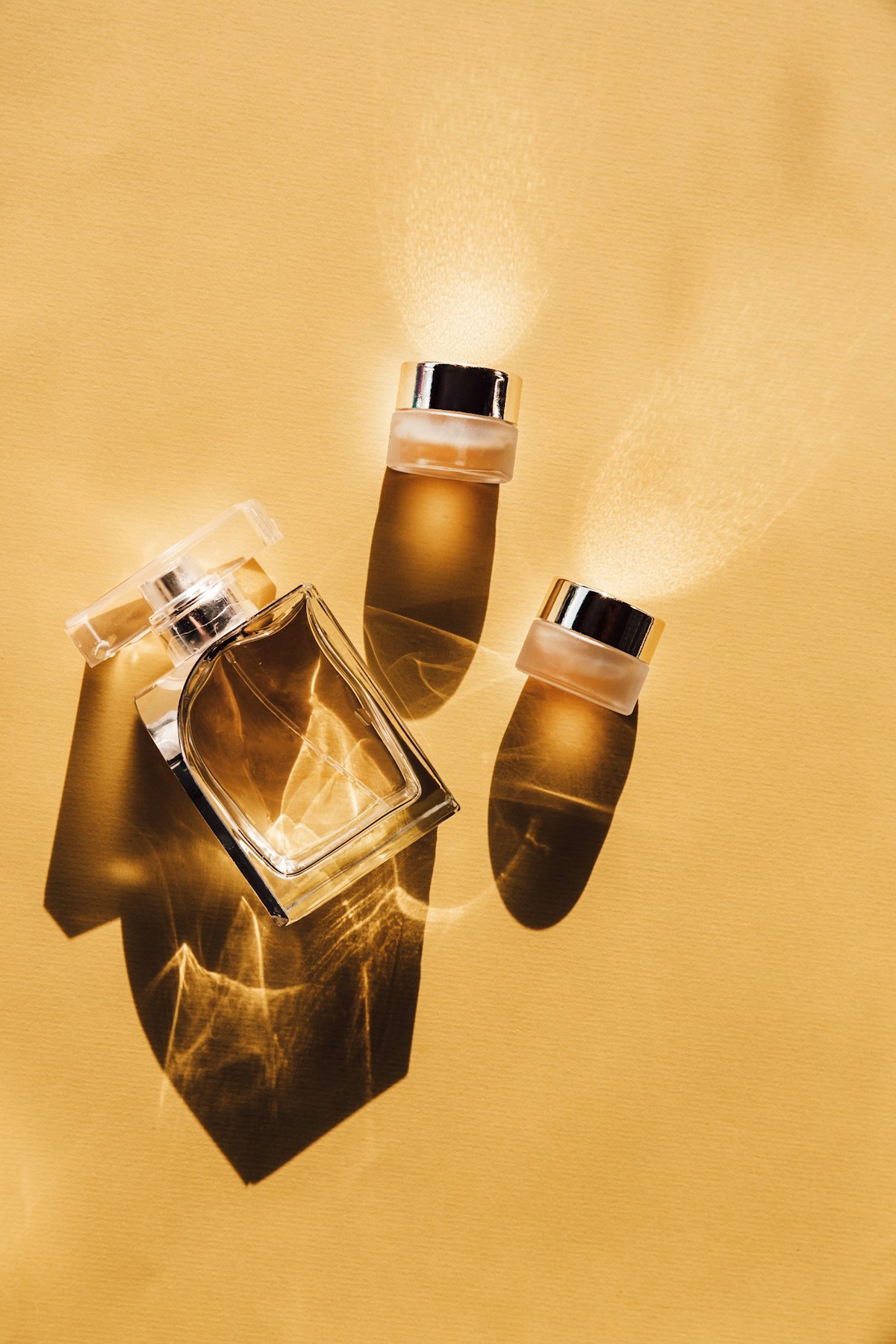 A cleaner canvas
Background removal
Make the subject the story. Prepare clean cutouts for storefronts, campaign layouts, and fresh creative directions.
Explore this toolLess busywork. More creative possibility. Explore AI-assisted tools to enhance, refine, and reimagine your photographs with Evoro.
For personal projects, growing brands, and everything in between.
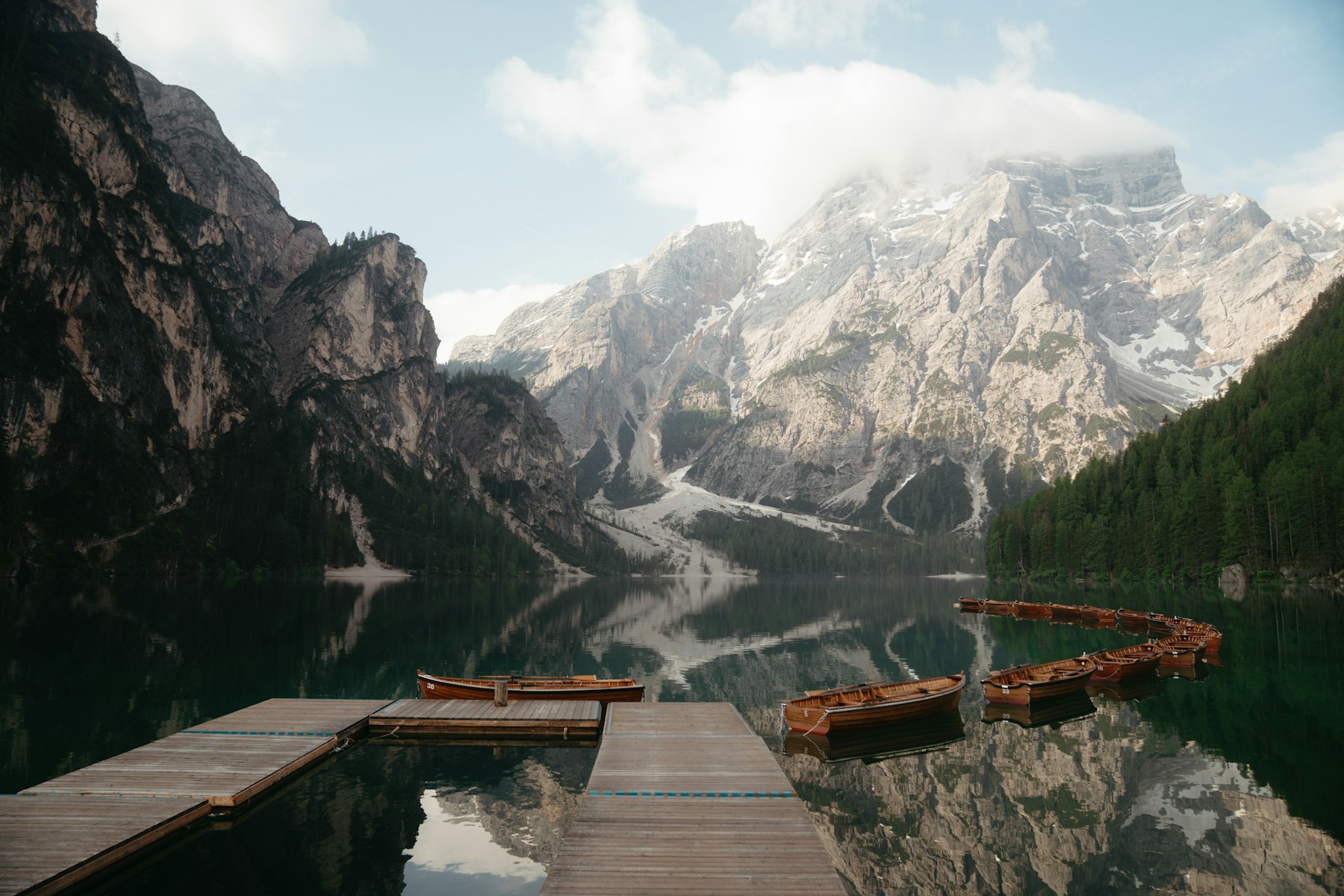 MutedVivid
From the first cleanup to the finishing touch, find an editing workflow that fits the photograph in front of you.
A cleaner canvasMake the subject the story. Prepare clean cutouts for storefronts, campaign layouts, and fresh creative directions.
Explore this tool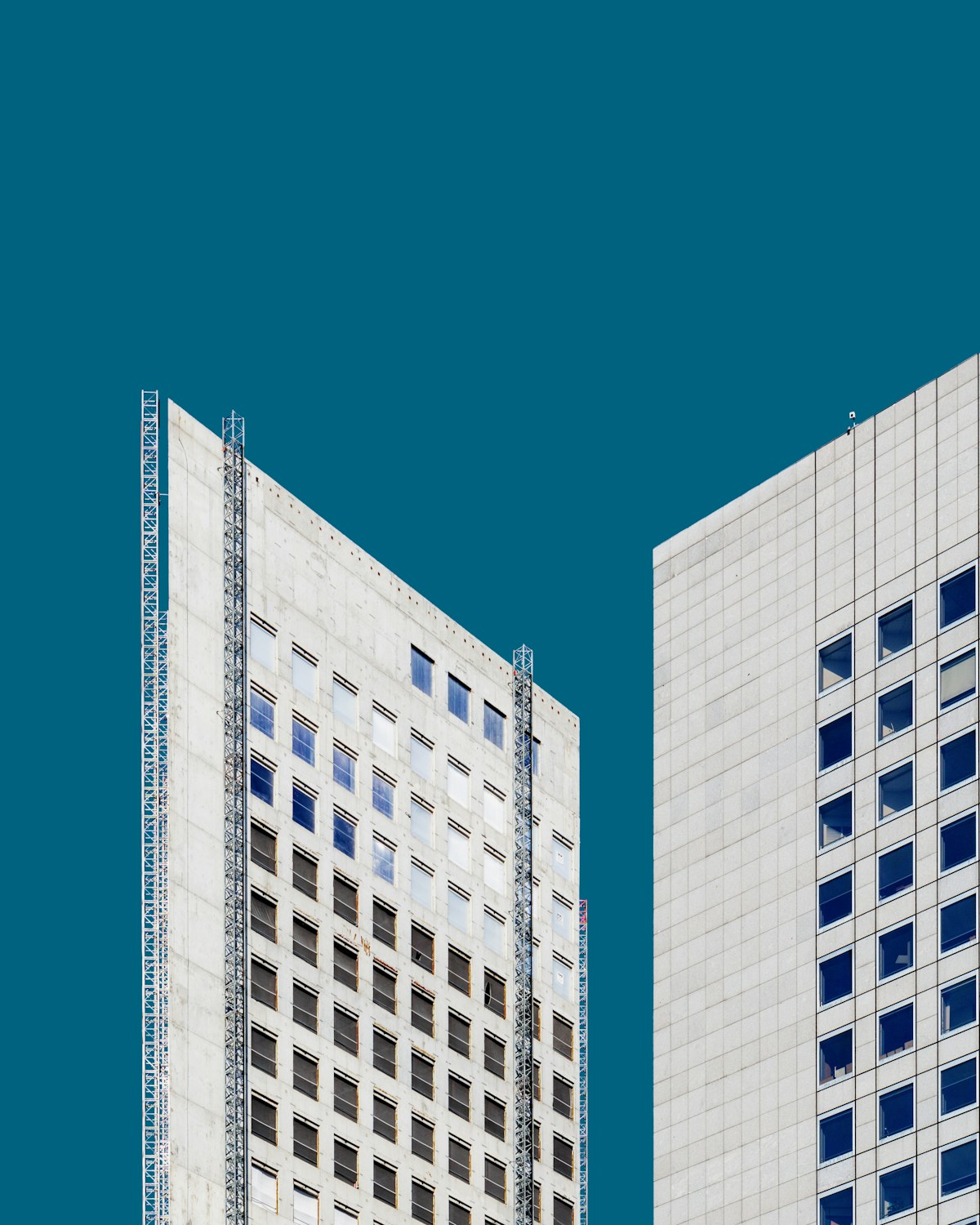 Keep what matters
Clear visual clutter from a scene and bring attention back to the part of the image that matters.
Explore this tool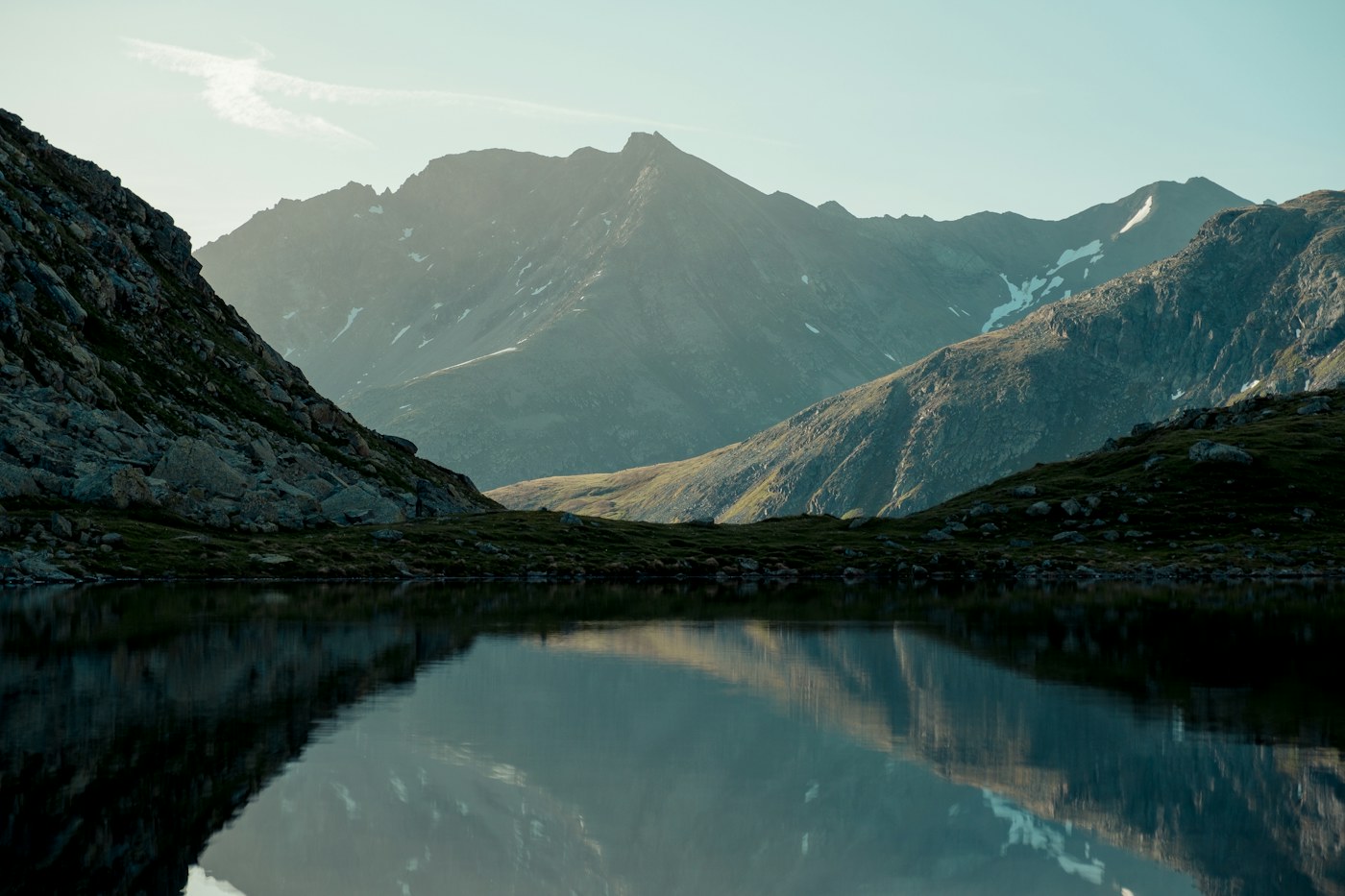 Think bigger
Prepare images for larger layouts with a careful balance of resolution, texture, and sharpening.
Explore this tool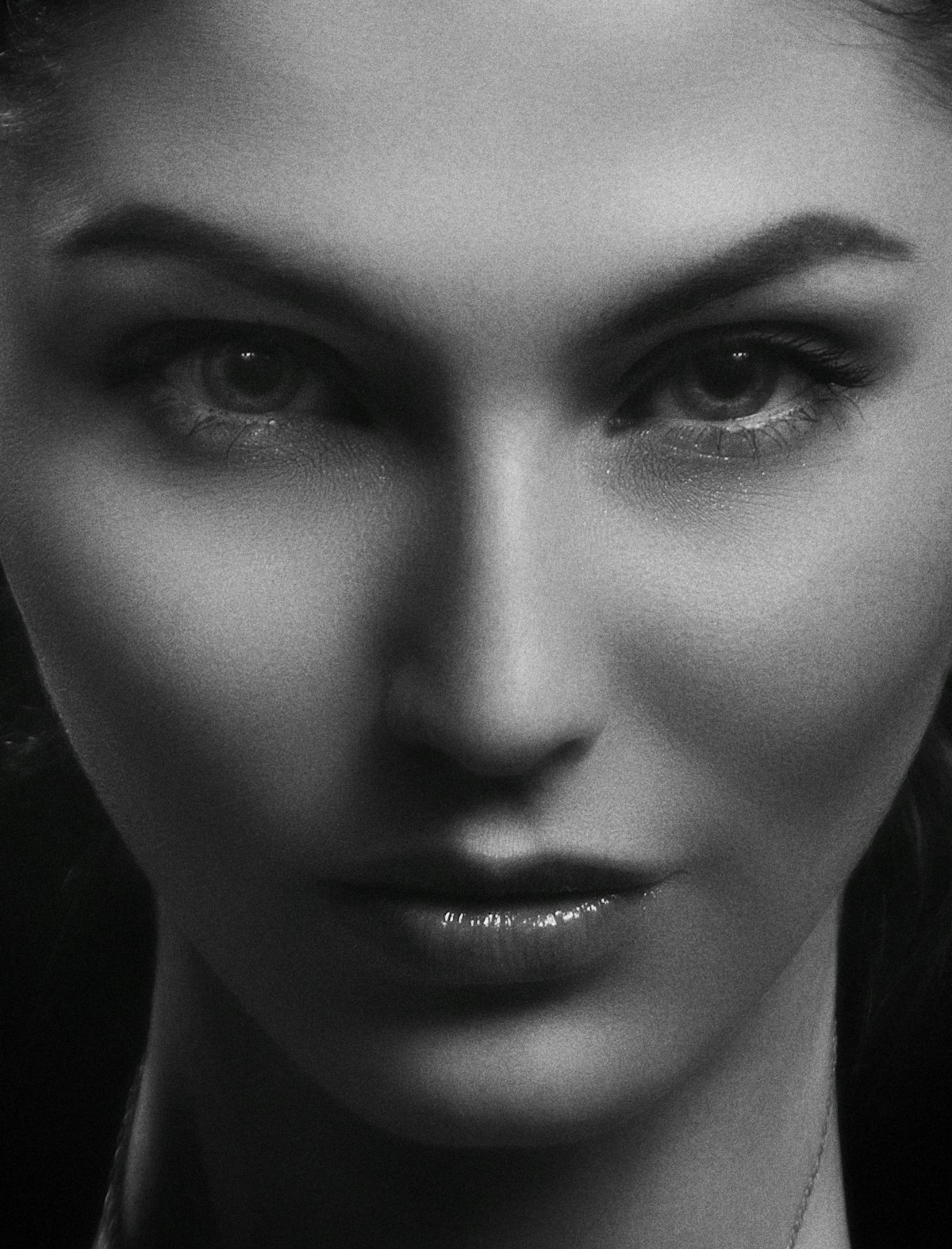 Keep the character
Bring balance to a portrait while keeping natural texture, expression, and the details that make it personal.
Explore this tool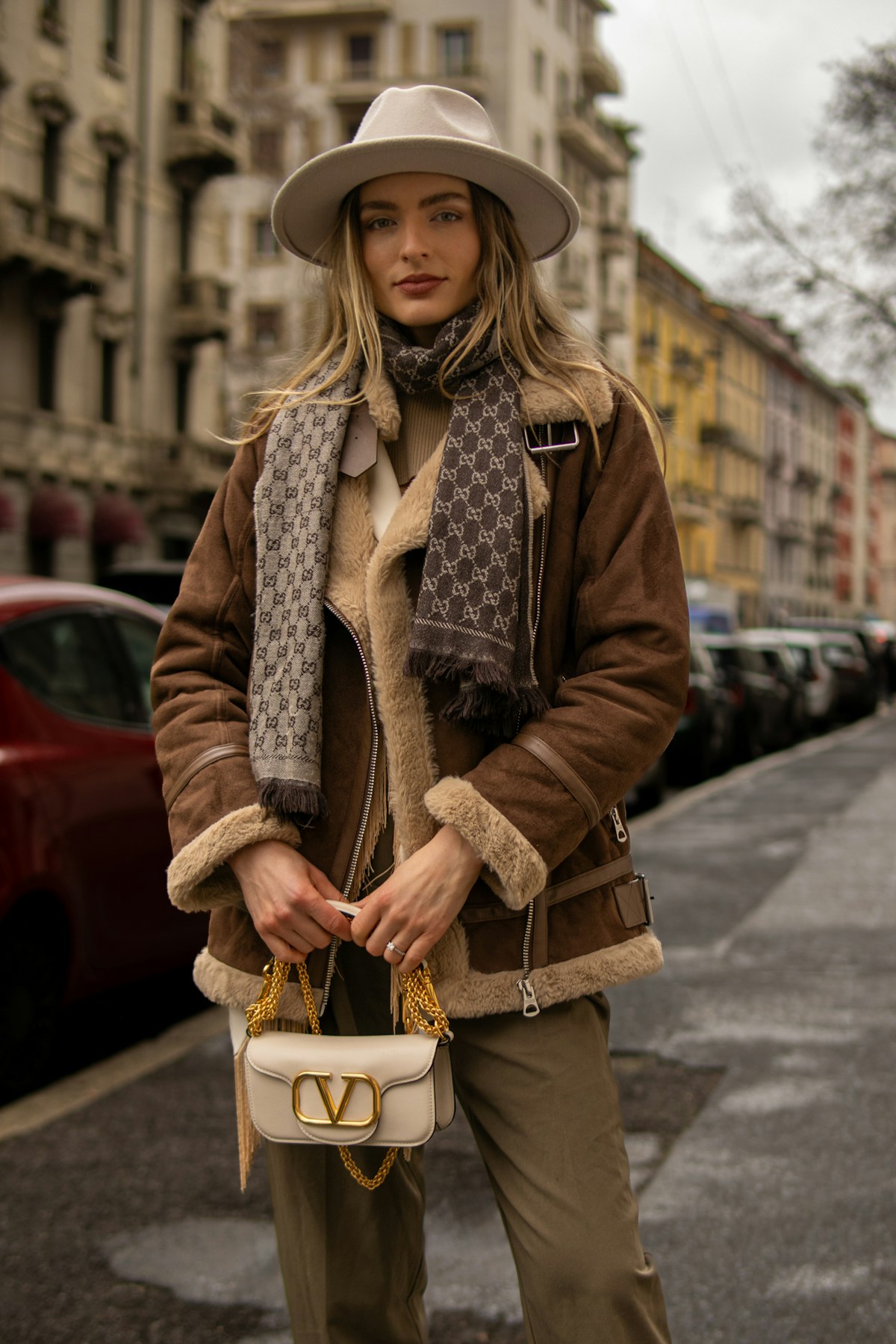 Find your rhythm
Establish a cohesive look across a shoot, a product range, or a week of social content.
Explore this tool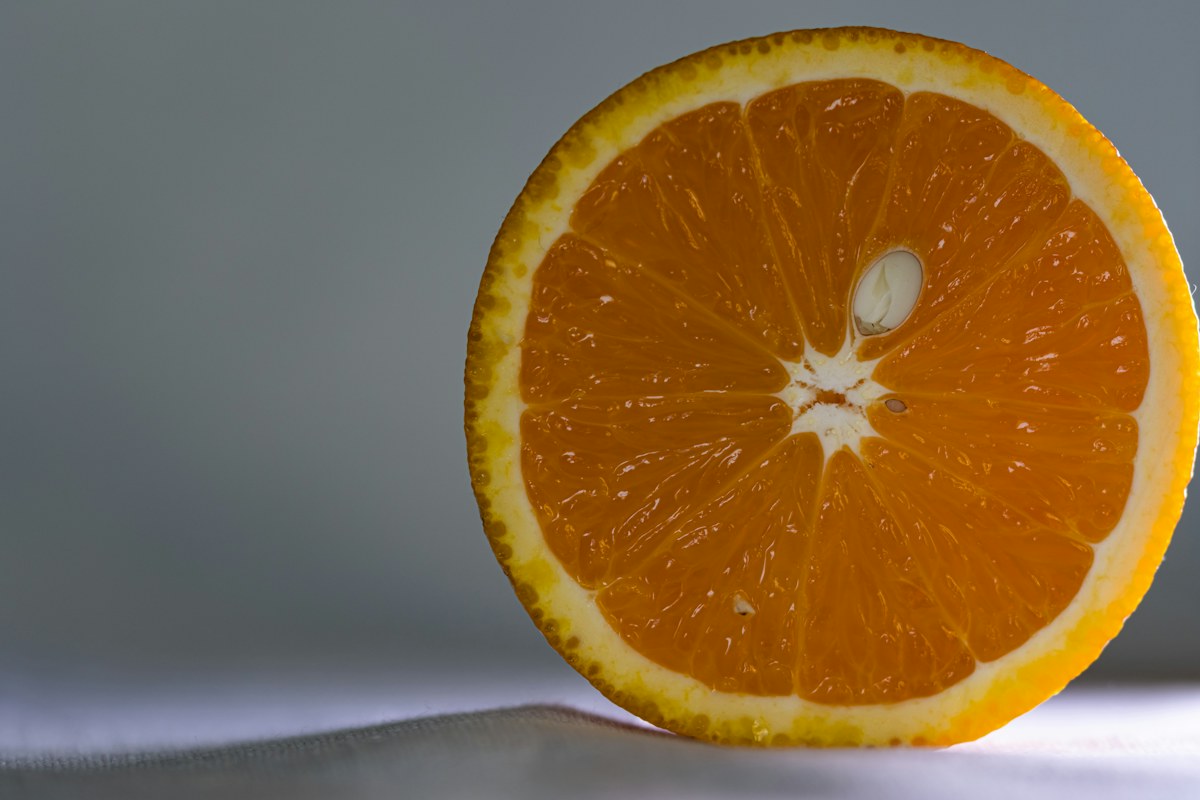 Set the mood
Balance exposure, refine color, and give a photograph a visual direction that supports its purpose.
Explore this tool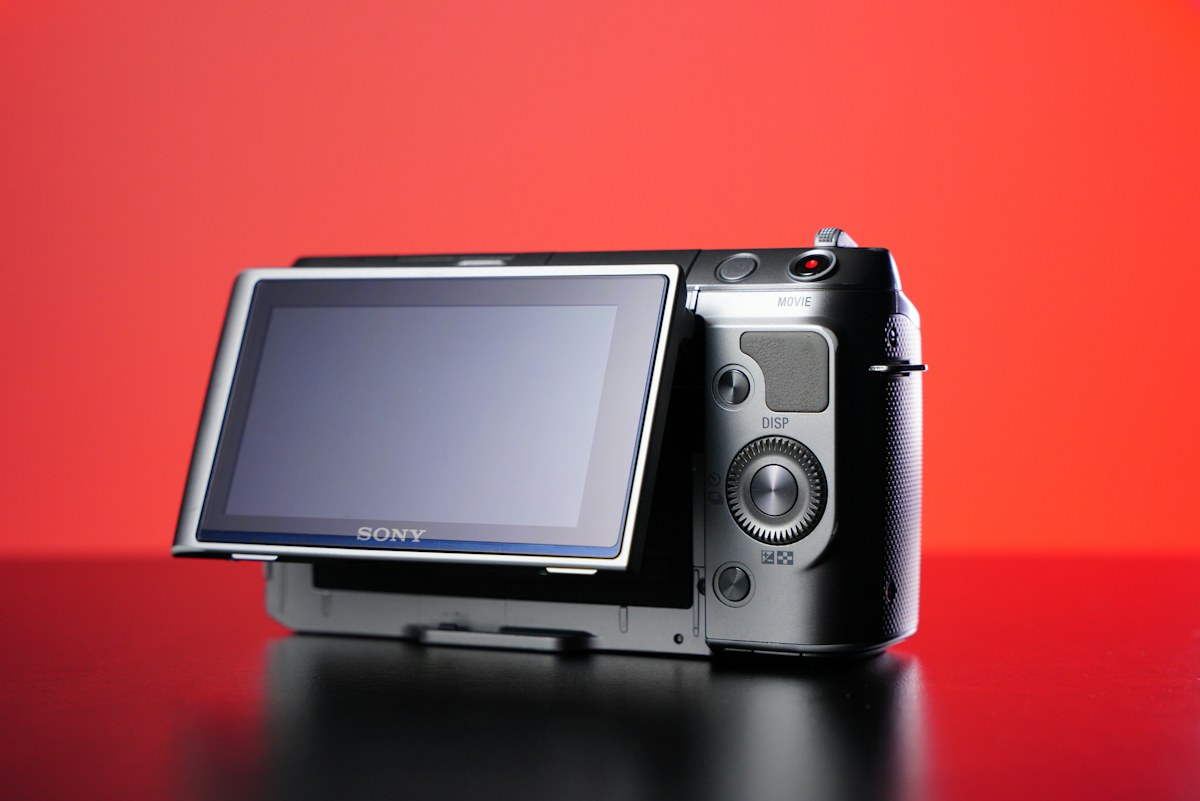
Good editing starts with a clear creative intention.
You don’t need a complicated workflow to make a considered image. Start with a purpose, refine what matters, and give the final result a thoughtful review.
Choose the image and decide what you want it to say.
Find the right approach to light, background, detail, or color.
Check the details and prepare the image for its next destination.
Automation can help with the repetitive steps. Your taste, your story, and your final decisions make the image your own.
A useful product image answers questions before a shopper has to ask them. Editing can help, but the strongest starting point is a photograph that shows the object clearly.
A portfolio portrait needs to feel considered without losing the person behind it. A restrained edit begins with a clear idea of what the image should communicate.
Color helps a collection of images feel connected. The most useful palette is one that supports the subject and works in the context where the image will appear.
Tell us what you’re working on. We’ll help you find your next step.