 Evoro
Begin with the best original
Use the largest, least compressed source you have. Repeatedly saved screenshots and heavily compressed files leave less information for any enhancement process to work with.
Prepare a small image for a larger role. Explore enlargement with attention to texture, edges, and the size at which the image will actually be seen.
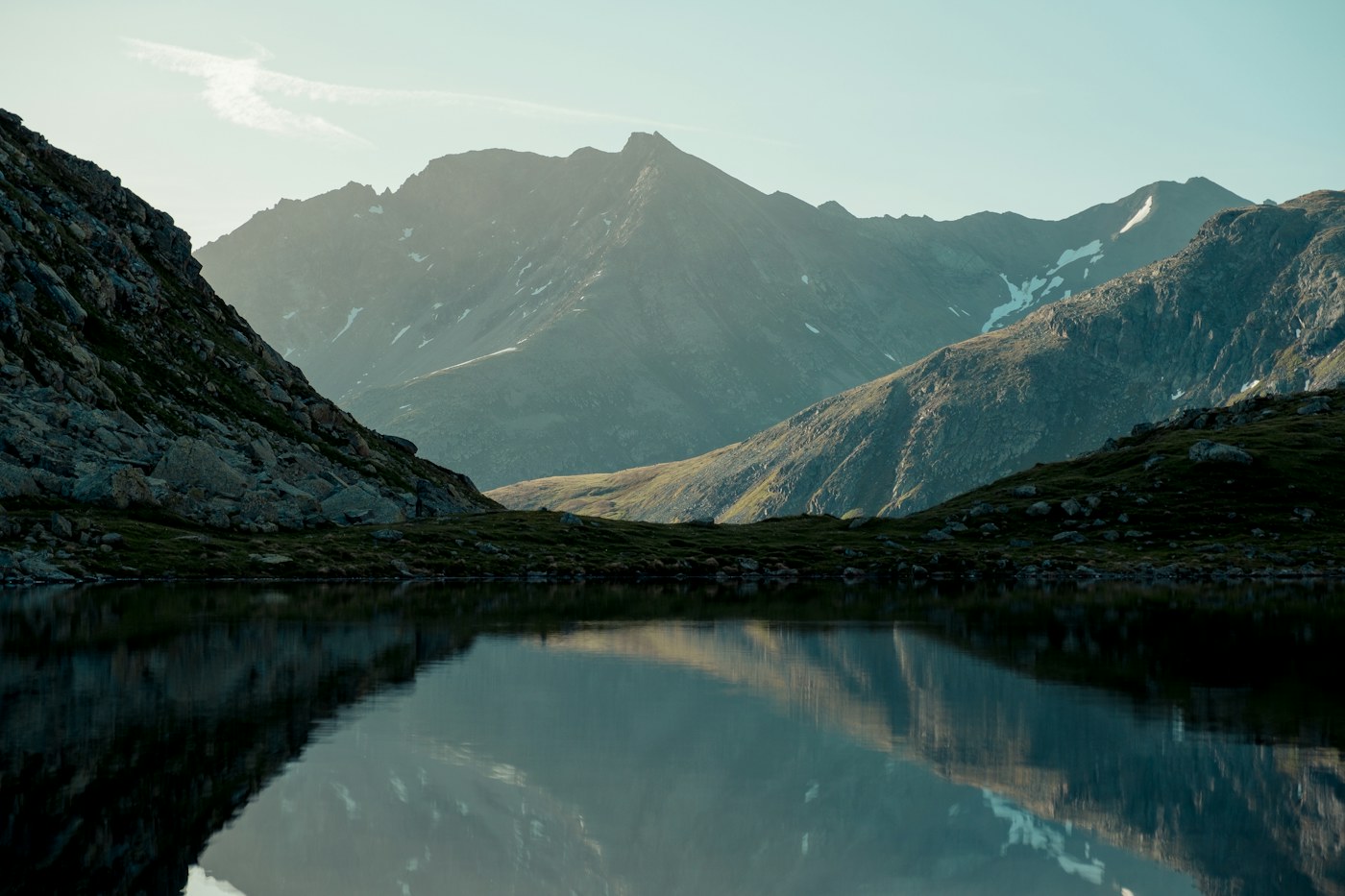
Prepare images for larger layouts with a careful balance of resolution, texture, and sharpening.
Use the largest, least compressed source you have. Repeatedly saved screenshots and heavily compressed files leave less information for any enhancement process to work with.
A web banner, a social post, and a print each have different requirements. Choose target dimensions first, then inspect the result at its intended display size.
Enlargement can introduce plausible texture rather than recover what was originally there. Look closely at faces, lettering, and fine patterns; avoid treating reconstructed detail as factual evidence.
Share what you are working on and the result you have in mind. Please describe your images here; this form does not accept file uploads.